Tag: internet during loadshedding

  • How to Keep WiFi On During Loadshedding in South Africa

    How to Keep WiFi On During Loadshedding in South Africa

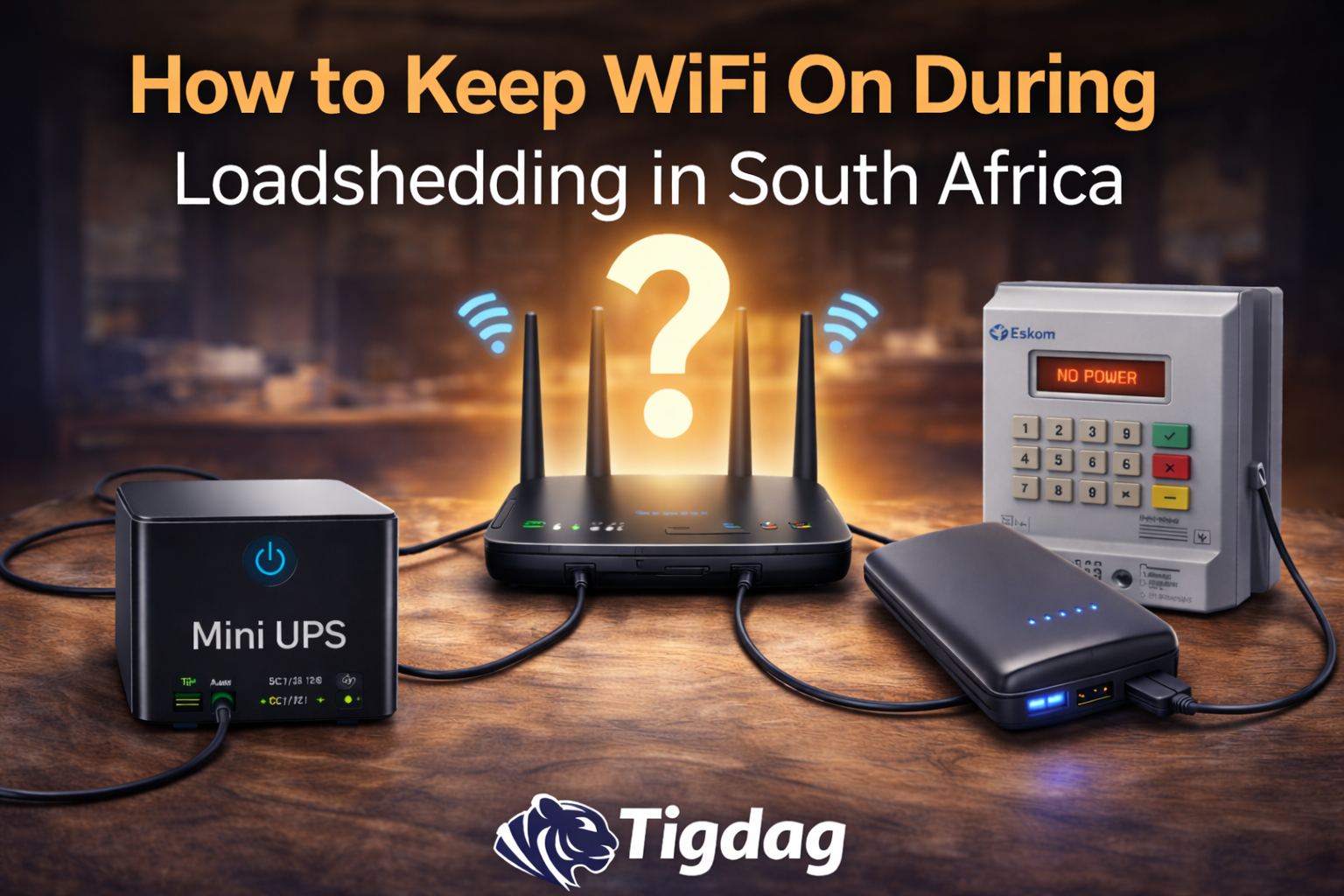
    Loadshedding often causes internet interruptions because routers and fiber ONT devices require electricity to operate. When the power goes off, both devices usually shut down immediately, cutting off your WiFi connection.

    Fortunately, there are several ways to keep your internet running during loadshedding.

    In this guide we explain the most common backup solutions used in South Africa and how they work.

    Why WiFi Turns Off During Loadshedding

    Most home internet setups rely on two devices:

    • Fiber ONT (optical network terminal)
    • WiFi router

    Both require electricity to operate. When loadshedding begins, these devices stop working unless they are connected to a backup power source.

    You can learn more in our guide explaining why WiFi turns off during loadshedding even when using a UPS.

    Option 1: Mini UPS for Router

    The most popular solution is a mini UPS designed for routers and fiber equipment.

    These small battery backup units automatically supply power when loadshedding begins.

    Advantages:

    • automatic power switching
    • simple installation
    • reliable runtime

    Many mini UPS devices can keep your internet running for 4 to 6 hours depending on the battery size.

    You can see recommended models in our guide to the Best Mini UPS for WiFi Routers in South Africa.

    Option 2: Power Banks

    Some people use large power banks with adapter cables to power routers.

    This method can work in some cases, but it usually requires additional cables and manual setup.

    Power banks also tend to provide shorter runtime compared to dedicated mini UPS devices.

    Option 3: Inverter Systems

    Households with larger backup power systems may use an inverter and battery setup.

    These systems can power:

    • routers
    • fiber equipment
    • lights
    • laptops

    However, inverter systems are typically more expensive and are designed for powering multiple appliances.

    Option 4: Portable Power Stations

    Portable power stations are larger battery devices that can power several appliances at once.

    They can easily keep routers and internet equipment running during loadshedding but are usually more expensive than mini UPS devices.

    Which Option Is Best?

    For most households in South Africa, the simplest solution is a mini UPS designed for routers.

    These devices are affordable, easy to install, and can provide several hours of backup power during loadshedding.

    Larger backup systems such as inverters or portable power stations are better suited for powering multiple appliances.

    Final Verdict

    Keeping your WiFi running during loadshedding is possible with the right backup power solution.

    Mini UPS devices remain the most practical option for powering routers and fiber equipment because they are simple to install and designed specifically for networking devices.

    For households that require longer backup power or want to run additional appliances, inverter systems or portable power stations may be worth considering.

    Explore More Mini UPS Guides

    If you’re looking for the best router backup power solutions, you may also find these guides helpful:

    These guides compare different backup power options and explain how to keep your internet running during power outages.
  • Mini UPS vs Power Bank for WiFi Router (Which Is Better)

    Mini UPS vs Power Bank for WiFi Router (Which Is Better)

    Loadshedding can interrupt your internet connection if your router and fiber ONT lose power. Many South African households are now using backup power solutions such as mini UPS devices or power banks to keep their WiFi running during outages.

    However, these two options work very differently.

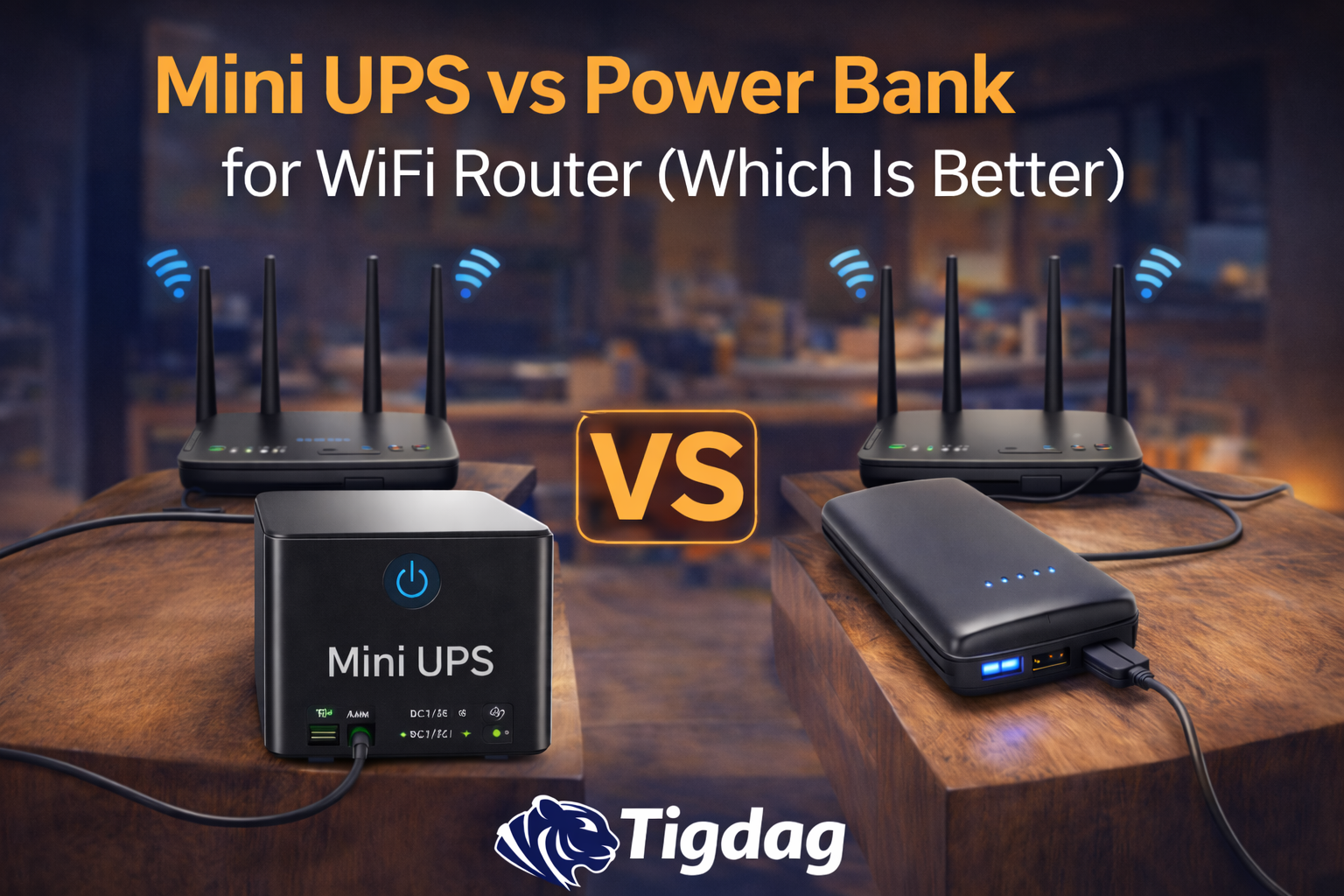
    In this guide we compare mini UPS devices and power banks to help you understand:

    • Which option works best for a WiFi router
    • How long each solution can power your internet
    • Which one is more reliable during loadshedding

    What Is a Mini UPS?

    A mini UPS (Uninterruptible Power Supply) is a small battery backup device designed specifically for networking equipment such as

    • WiFi routers
    • fibre ONT boxes
    • small security cameras

    Mini UPS devices stay connected to your router all the time. When the electricity goes off, the battery automatically starts powering your equipment without interruption.

    Most mini UPS units can power a router and fiber ONT for 4–6 hours depending on the battery capacity.

    You can see some examples in our guide to the Best Mini UPS for WiFi Routers in South Africa.

    What Is a Power Bank?

    A power bank is a portable battery usually designed for charging phones and small electronics through USB.

    Some people try to use power banks to power WiFi routers using the following:

    • USB to DC cables
    • voltage converters

    While this can sometimes work, power banks are not designed specifically for routers, which can make them less reliable.

    Key Differences Between Mini UPS and Power Bank

    FeatureMini UPSPower Bank
    Designed for routersYesNo
    Automatic power switchingYesNo
    Continuous connectionYesNo
    Typical runtime4–6 hours1–3 hours
    Ease of useVery easyRequires cables

    Mini UPS devices are usually the simplest and most reliable solution for keeping WiFi online during loadshedding.

    Which One Keeps WiFi Running Longer?

    Mini UPS units generally provide longer runtime because they are built specifically to power networking equipment.

    Power banks can sometimes run routers, but they often provide shorter runtime and may require additional cables or adapters.

    If you’re wondering how long a UPS can power your router, see our guide on How Long a Mini UPS Lasts During Loadshedding.

    Which Option Is Easier to Use?

    Mini UPS devices are typically easier to set up.

    Installation usually involves the following:

    1. Connecting the UPS to a power outlet
    2. Plugging your router and fibre ONT into the UPS

    Once connected, the system works automatically.

    Power banks usually require extra cables or manual connection, which makes them less convenient during sudden power outages.

    When a Power Bank Might Work

    A power bank may still be useful if:

    • you already own a large power bank
    • your router supports USB power input
    • you have the correct adapter cables

    However, most households find that a mini UPS is the more reliable solution.

    Final Verdict

    Both mini-UPS devices and power banks can provide backup power for networking equipment during loadshedding.

    However, mini UPS units are specifically designed for routers and fiber ONT devices, making them the simplest and most reliable solution for keeping WiFi online.

    Power banks can sometimes work as an alternative, but they usually require extra cables and may not provide the same runtime or convenience.

    For most South African households, a mini UPS is the better choice for uninterrupted internet during loadshedding.

    Explore More Mini UPS Guides

    If you’re planning to buy a backup power solution for your router, you may also find these guides helpful:

    These guides explain how to choose the right mini UPS and compare some of the best options currently available.