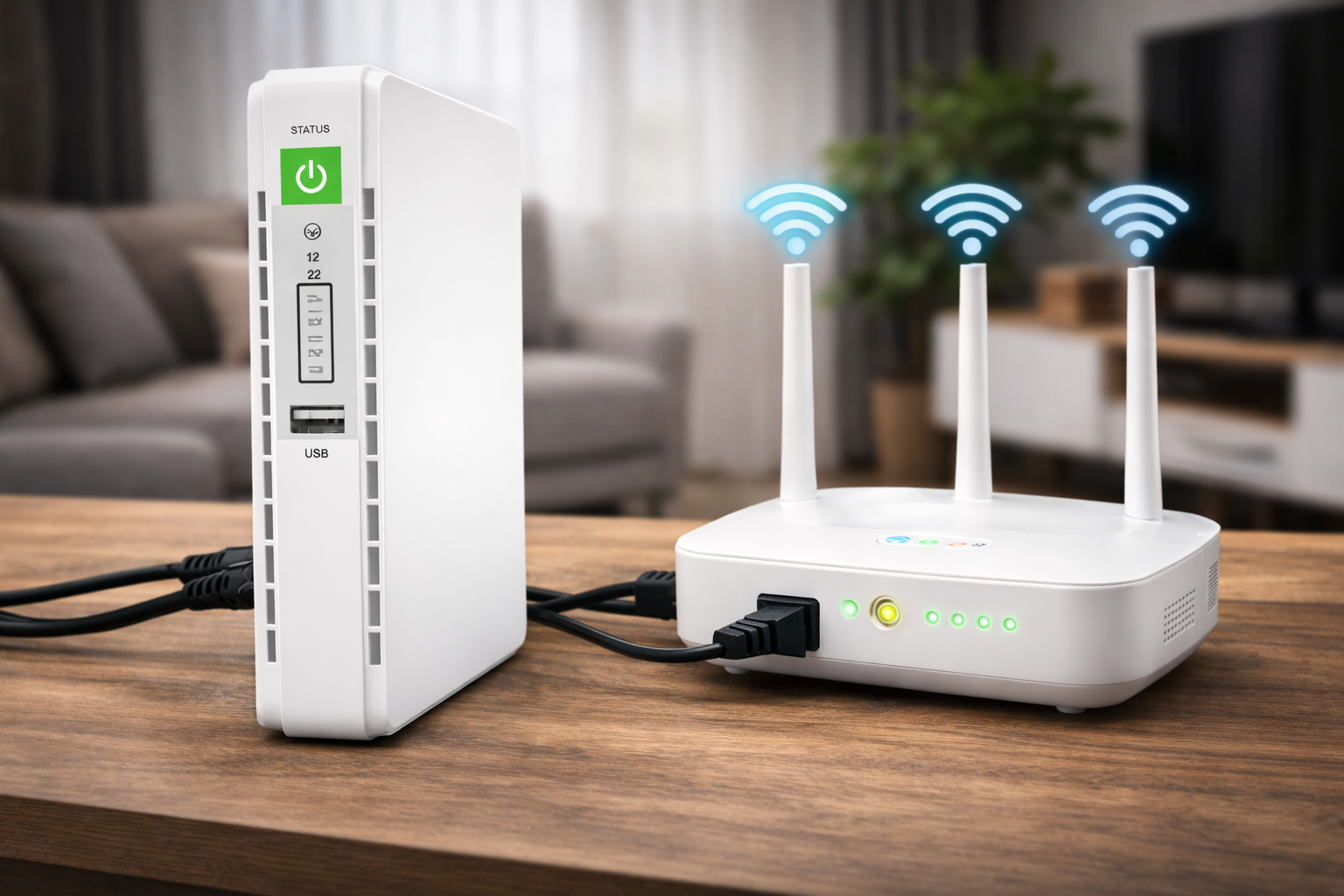
Many South Africans install a mini UPS during loadshedding expecting their internet to stay online—but sometimes the WiFi still turns off.
This is frustrating, especially if you bought the UPS specifically to avoid downtime.
The issue is usually not the fiber provider. It is almost always caused by incorrect setup, voltage mismatch, or incomplete power coverage inside the home.
In this guide, we explain why your WiFi may still go down during loadshedding and how to fix it.
You Are Not Powering the Fibre ONT
The most common mistake is powering only the router.
If the fiber ONT (the small wall-mounted box) is off, your internet connection will drop even if the router lights are still on.
Both devices must be connected to the mini UPS.
Wrong Voltage Output
If your router requires 12V and your UPS is set to 9V, it may switch on briefly and then shut down.
Always check the power adapter label:
Output: 12V — 1A or Output: 9V — 1A
Voltage must match exactly.
Your UPS Battery Is Too Small
If your UPS only lasts 45–60 minutes, it may not have enough battery capacity for your router and ONT combined.
Higher-performance routers use more power and drain small UPS units quickly.
The UPS Was Not Fully Charged
Mini UPS devices need time to recharge between outages.
If loadshedding happens twice in one day, the battery may not have recharged fully.
You Are Powering Too Many Devices
Some people connect:
• Router • ONT • TV box • CCTV system
This dramatically reduces runtime.
Mini UPS units are designed only for networking equipment.
How to Fix the Problem
Check router voltage
Confirm ONT is connected
Ensure correct output cable
Upgrade to larger capacity if needed
If your UPS is correctly installed and properly sized, your WiFi should remain stable during normal Stage 4 loadshedding.
Loadshedding has made reliable internet almost essential in South Africa. Many households have fiber installed, but during power cuts the WiFi immediately switches off—even though laptops and phones still have battery.
That is why mini UPS devices have become extremely popular. They are small battery backup units designed specifically to keep your router and fiber ONT powered when Eskom electricity goes off.
However, the biggest question people ask before buying one is simple:
How long will a mini UPS actually keep my WiFi running?
The answer is not the same for everyone. Runtime depends on your router’s power usage, the fiber ONT, and the battery size of the UPS itself. In this guide, we explain the real runtime you can expect in South African loadshedding conditions.
What a Mini UPS Actually Powers
A mini UPS does not power your whole house. It is designed only for low-power network devices.
Normally it powers:
• WiFi Router • Fibre ONT (the small fibre box on the wall) • Sometimes a mesh WiFi node
It does NOT power: • TVs • PCs • Gaming consoles • Microwaves
This is important because runtime depends on how many devices you connect.
Typical Power Usage of Fibre Internet Equipment
Most people don’t realize how little electricity their internet equipment uses.
Typical South African fiber setup:
Device
Average Power Use
Fibre ONT
6W – 12W
WiFi Router
8W–18W
Total
14W – 30W
This low usage is exactly why a mini UPS works so well during loadshedding.
How Mini UPS Battery Size Affects Runtime
The most important number on a UPS is mAh (milliamp-hours). This is the battery capacity.
General guideline:
UPS Size
Expected Runtime
8 800 mAh
2–3 hours
10 400 mAh
3–4 hours
15 600 mAh
4–6 hours
20 000 mAh+
6–10 hours
In Stage 4 loadshedding (2-hour outage), almost any decent mini UPS will keep your WiFi on the entire time.
Stage 6 (4-hour outage) requires a higher capacity model.
Real South African Runtime Example
Let’s use a normal home fiber setup:
• 12W router • 8W fibre ONT Total usage = 20W
A 15 600 mAh mini UPS typically runs this setup for about 5 hours.
That means: Stage 2 ✔ Stage 4 ✔ Stage 6 ✔ (most of the time)
This is why mini UPS units are one of the most cost-effective loadshedding solutions in South Africa.
Why Some People Get Only 1 Hour
If your UPS only lasts 1 hour, it is almost always one of these:
You did not connect the fibre ONT (internet still dies)
Wrong voltage cable used
Cheap UPS with fake battery capacity
Too many devices connected (like a TV box)
Mini UPS devices are built specifically for networking equipment—not entertainment systems.
How to Extend Mini UPS Runtime
You can significantly increase runtime by:
• Turning off unused mesh nodes • Disconnecting USB charging ports • Using a low-power router • Charging the UPS fully between outages
Also remember: after multiple loadshedding cycles in one day, runtime becomes shorter because the battery cannot fully recharge.
Can a mini UPS last 4 hours? Yes, but only higher capacity models (around 15 600 mAh or larger). Smaller units may only last 2–3 hours.
Does a mini UPS use a lot of electricity? No. They charge slowly and use less power than most household appliances.
Will a mini UPS damage my router? No. They are specifically designed for routers and provide stable voltage.
Do I need to power the fiber ONT too? Yes. If the ONT is off, your internet will not work even if the router stays on.
Final thought
For most South African households, a mini UPS is the simplest and cheapest way to keep internet working during loadshedding. The actual runtime depends mainly on battery capacity and how many devices you connect, but a good quality unit can easily cover typical Stage 4 outages and often most Stage 6 schedules as well.
South Africa’s loadshedding makes one problem immediately obvious—when the power goes off, your internet goes off too.
For many households, losing WiFi is actually worse than losing lights. Work stops, meetings disconnect, TV streaming ends, and even security cameras stop recording. The good news is you do NOT need a generator or expensive inverter system just to keep your router online.
A mini UPS (uninterruptible power supply) is a small battery backup designed specifically for routers and fiber ONTs. It automatically switches on when electricity cuts and keeps your internet running without you doing anything.
In this guide, we explain which UPS units actually work in South Africa, how long they last during loadshedding, and which one is worth buying.
What is a mini UPS, and how does it work?
A mini UPS is essentially a rechargeable battery pack that sits between your wall plug and your internet equipment. Under normal conditions, it charges itself while powering your router.
The moment Eskom power fails, the device instantly switches to battery power—usually within milliseconds—so your router does not reboot and your fiber connection stays active.
Most homes actually have two devices that need backup power:
The WiFi router
The fibre ONT box (the small box installed by your fibre provider)
If the ONT switches off, your internet dies even if your router stays on. A proper mini UPS powers both devices at the same time.
This is why normal power banks do not work properly—they cannot supply stable continuous power like a UPS can.
How long can a UPS keep your internet on during loadshedding?
This depends on three things:
Battery capacity (measured in mAh or Wh)
Router power usage
Whether it powers the ONT as well
Most fiber routers in South Africa use only 8W to 12W of electricity, which is very low. Because of this, even a small UPS can keep your internet online for 3 to 6 hours.
Typical real-world backup times:
• Small mini UPS (10,000 mAh) → 2–3 hours • Medium UPS (15,000–20,000 mAh) → 4–6 hours • Large mini UPS (25,000 mAh+) → 6–10 hours
This is enough to survive most Stage 2–4 loadshedding cycles.
What to check before buying a Mini UPS in South Africa
Many people buy the wrong UPS and then think UPS devices don’t work. The problem is not the idea—it’s compatibility.
Before you buy a UPS, you must check these 4 things.
1) Voltage (MOST IMPORTANT)
Routers and ONT boxes usually run on 12V or 9V.
If the UPS output voltage does not match your router, it will not power on—or worse, it can damage the device.
Always look at the sticker underneath your router or ONT. You will see something like
Output: 12V—1A
Your UPS must match that voltage.
Good mini UPS units in South Africa normally support:
9V
12V
sometimes 5V USB
Avoid units that only have USB ports—those are power banks, not UPS systems.
2) Number of ports
You need at least 2 DC output ports because loadshedding affects:
• The router • The fibre ONT
Many cheap UPS devices only power the router—then your internet still goes off because the ONT has no power.
This is the number one mistake buyers make.
3) Battery capacity
Capacity determines how long your internet stays on.
Rough guide:
8,000–10,000 mAh → short outages only
15,000–20,000 mAh → ideal for most homes
20,000 mAh+ → best for heavy loadshedding
In South Africa, a 20,000 mAh unit is usually the sweet spot.
4) Automatic switching
A real UPS switches automatically when power cuts.
You should not have to press a button during loadshedding.
If the product description says:
“Manual power on”
Avoid it—it defeats the purpose of a UPS.
Mini UPS vs Generator vs Inverter for WiFi During Loadshedding
Feature
Mini UPS
Power Inverter + Battery
Petrol Generator
Internet stays on instantly
Yes
Yes
No (must start it)
Noise
Silent
Silent
Very loud
Setup difficulty
Plug & play
Medium installation
High
Cost
Low
Medium/High
Medium
Running cost
None
Very low
Fuel required
Works at night
Yes
Yes
Not practical
Powers TV/PC
No
Yes
Yes
Best use
Router + Fibre ONT
Whole room backup
Whole-house emergency
For most South African households, a mini UPS is the easiest and most affordable solution to keep internet working during loadshedding. Inverters and generators can power more appliances, but they are significantly more expensive and require installation or fuel. A UPS is designed specifically for networking equipment and works automatically when the power cuts.
How long will a mini UPS power your router?
Runtime depends on two things: the router power usage and the UPS battery size.
Typical fiber setup:
Fibre ONT: ±8–12W
WiFi Router: ±6–10W
Total load ≈ 15–20 watts.
Estimated runtime:
UPS Capacity
Expected Runtime
8,800 mAh
2–3 hours
10,400 mAh
3–4 hours
20,000 mAh
5–8 hours
This means a properly sized mini UPS can easily cover Stage 2 and Stage 4 loadshedding in South Africa.
Frequently Asked Questions (FAQ)
Can a mini UPS run both my router and fiber box (ONT)?
Yes. Most fiber installations in South Africa have two devices: the fiber ONT and the WiFi router. A properly sized mini UPS is designed specifically for this setup and can power both at the same time. You simply connect both devices to the UPS using the provided DC cables.
How many hours will a mini UPS last during loadshedding?
On average, a standard 10,000 mAh mini UPS will run a router and fiber ONT for around 3–4 hours. Larger models can last up to 6–8 hours depending on the power usage of your router.
Does a UPS damage a router?
No. A mini UPS actually protects your router. It supplies stable voltage and prevents damage caused by sudden power cuts and surges when electricity returns after loadshedding.
Can I use a computer UPS instead?
You can, but it is not ideal. Traditional computer UPS units are designed for PCs and alarms. They are bulky, noisy, and inefficient for routers. A mini DC UPS is quieter, uses less power, and lasts longer during outages.
Do I need an electrician to install a mini UPS?
No. A mini UPS is plug-and-play. You unplug your router power cable, connect it to the UPS, and then plug the UPS into the wall. Setup takes less than 5 minutes.
Will a mini UPS recharge between loadshedding stages?
Yes. Most units recharge within 2–3 hours. This is fast enough to recharge between normal South African loadshedding cycles.
Final Verdict—Is a Mini UPS Worth It?
For most South African households, a mini UPS is one of the simplest and most affordable ways to deal with loadshedding. Instead of installing an expensive inverter or running a noisy generator, a small backup battery can keep your internet connection active automatically whenever the power cuts.
Because routers and fiber ONTs use very little electricity, a properly sized UPS can keep you online for several hours, making it ideal for remote work, online classes, streaming, and security cameras. The one-off cost is low, there is no fuel required, and installation takes only a few minutes.
If staying connected during loadshedding is important to you, a mini UPS is not just a convenience—it is one of the most practical backup solutions you can buy.