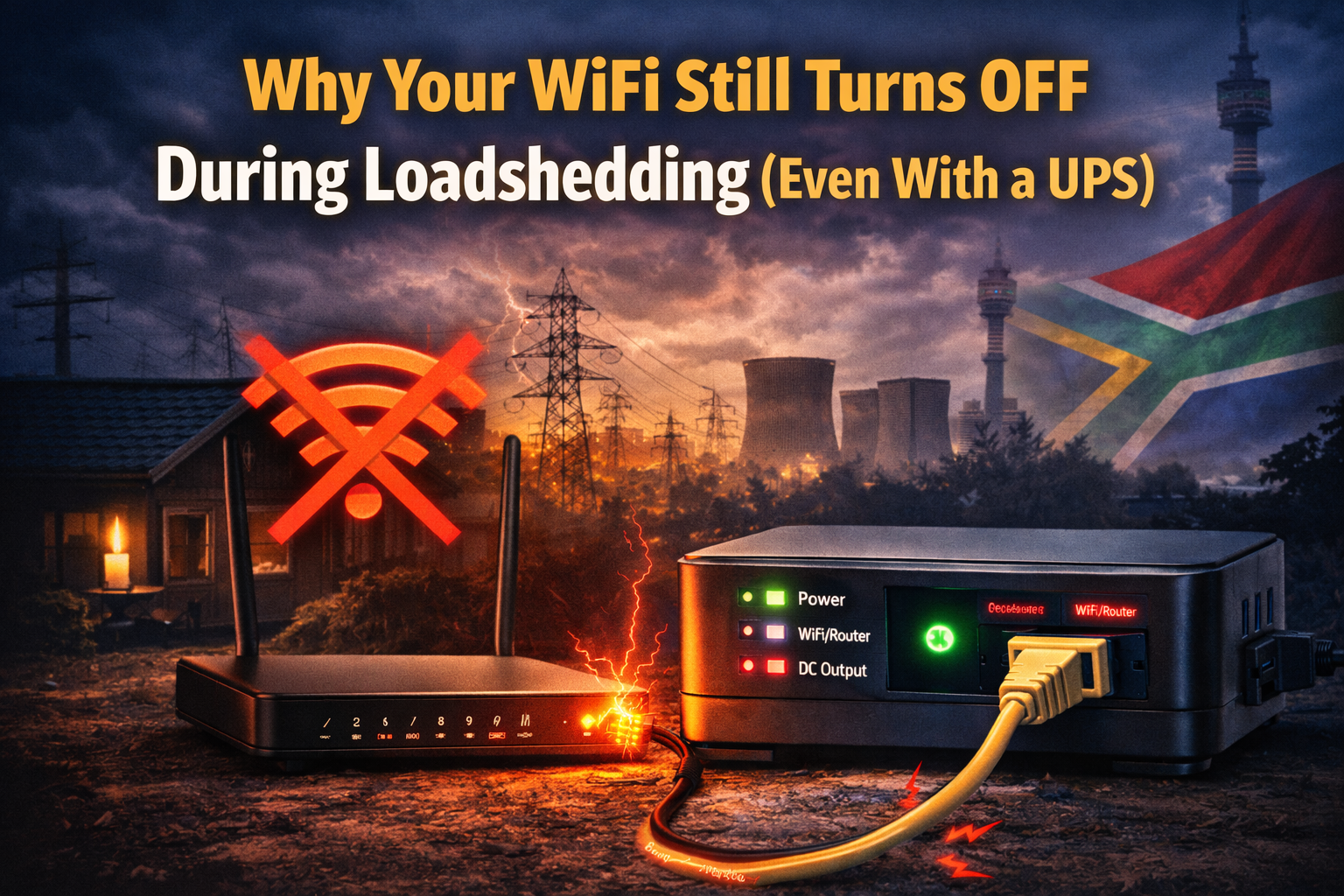
Many South Africans install a mini UPS during loadshedding expecting their internet to stay online—but sometimes the WiFi still turns off.
This is frustrating, especially if you bought the UPS specifically to avoid downtime.
The issue is usually not the fiber provider. It is almost always caused by incorrect setup, voltage mismatch, or incomplete power coverage inside the home.
In this guide, we explain why your WiFi may still go down during loadshedding and how to fix it.
You Are Not Powering the Fibre ONT
The most common mistake is powering only the router.
If the fiber ONT (the small wall-mounted box) is off, your internet connection will drop even if the router lights are still on.
Both devices must be connected to the mini UPS.
Wrong Voltage Output
If your router requires 12V and your UPS is set to 9V, it may switch on briefly and then shut down.
Always check the power adapter label:
Output: 12V — 1A
or
Output: 9V — 1A
Voltage must match exactly.
Your UPS Battery Is Too Small
If your UPS only lasts 45–60 minutes, it may not have enough battery capacity for your router and ONT combined.
Higher-performance routers use more power and drain small UPS units quickly.
The UPS Was Not Fully Charged
Mini UPS devices need time to recharge between outages.
If loadshedding happens twice in one day, the battery may not have recharged fully.
You Are Powering Too Many Devices
Some people connect:
• Router
• ONT
• TV box
• CCTV system
This dramatically reduces runtime.
Mini UPS units are designed only for networking equipment.
How to Fix the Problem
- Check router voltage
- Confirm ONT is connected
- Ensure correct output cable
- Upgrade to larger capacity if needed
If your UPS is correctly installed and properly sized, your WiFi should remain stable during normal Stage 4 loadshedding.
Recommended Mini UPS Options
If your current UPS is underpowered or incompatible, see our full comparison guide here:
👉 Best Mini UPS for WiFi Routers in South Africa (2026)
Leave a Reply